The hardware, package by package
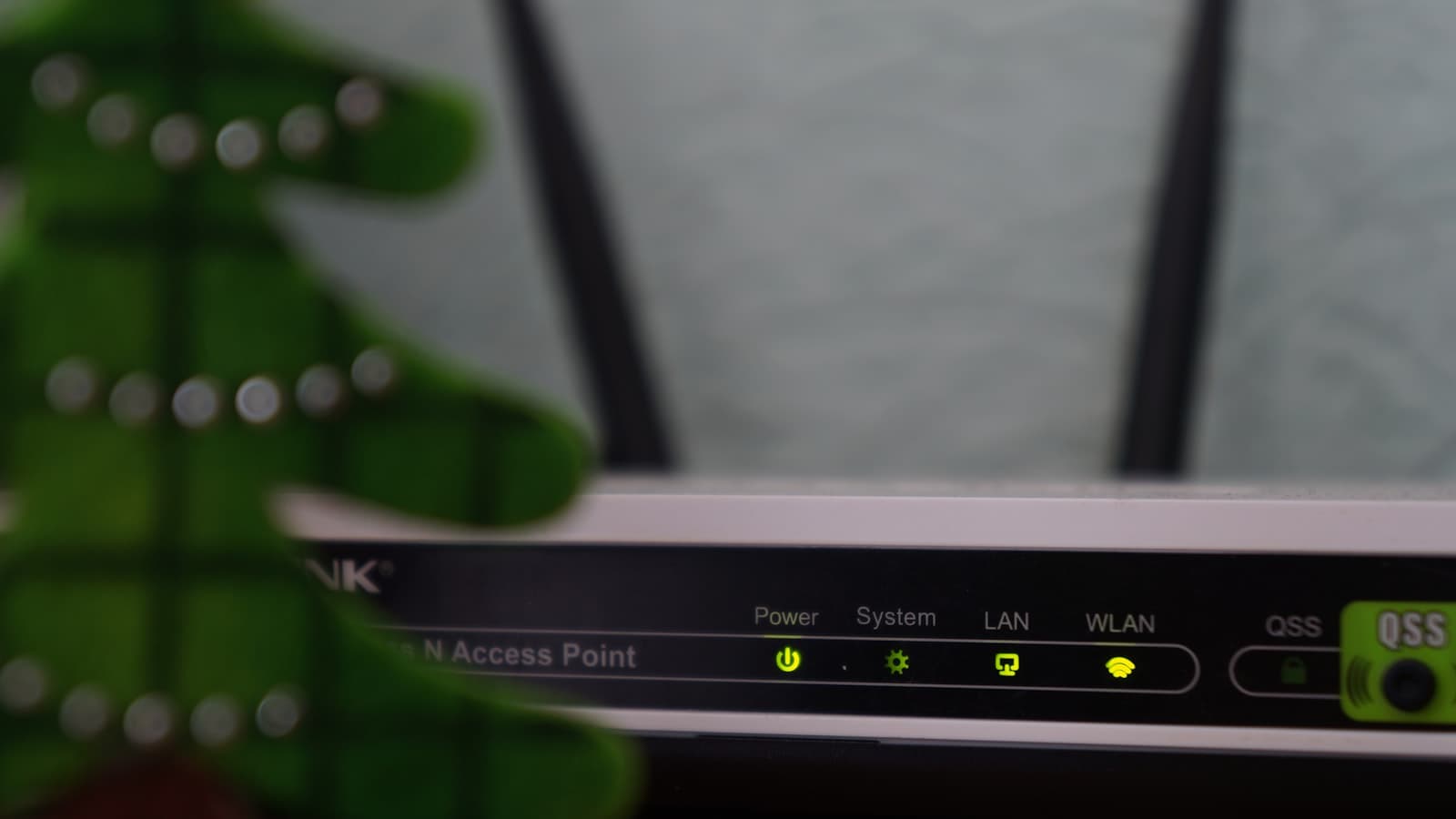
- FRITZ!Box 7530 AX — free on most packages (Full Fibre 100 up to Full Fibre 900). Wi-Fi 6, four gigabit ethernet ports, and genuinely rich software: parental controls, guest networks, VPN support, and it doubles as the base station for Zen's digital phone service (it has a DECT base and phone socket built in). German-engineered AVM kit with a strong reputation — a real step up from a typical ISP freebie.
- Amazon eero Pro 6E — free on Full Fibre Max. A mesh-first unit suited to the multi-gig tier, with the option to upgrade to eero Max 7. Simple app-based management; less tinkerable than the FRITZ!Box, but excellent coverage per unit.
- Routers arrive pre-configured — plug in on activation day and you're online.
Will one router cover your house?
Honest answer: a single router — any single router — struggles with large, old or awkwardly-shaped houses. Options, in order of value:
- Try the FRITZ!Box first. For most flats and two-to-three-bed houses it's plenty.
- Buy your own mesh kit (a one-off ~£100–£200) if you need more coverage — usually better long-term value than a monthly add-on.
- Zen's EveryRoom add-on (£9/month) gets you a guaranteed-coverage mesh setup with support handling the details — worth it if you want one throat to choke rather than DIY.
Can you use your own router?
Yes — Zen is friendlier to this than most: they publish the settings, and the free static IP (included on home broadband) makes custom setups genuinely useful for home labs, NAS boxes, CCTV and VPNs. Keep the FRITZ!Box in a drawer for troubleshooting — support will want to test with it if a fault ever needs diagnosing.
Worth knowing before you order
Router choice is fixed by package — see the packages guide for which tier fits your household. And whichever you pick, the £40 referral eGift card applies — as long as the link is used before you order.